Interactive Product Demonstration — Simulated Data
Nothing here connects to real streams, election databases, monitoring sources or social accounts.
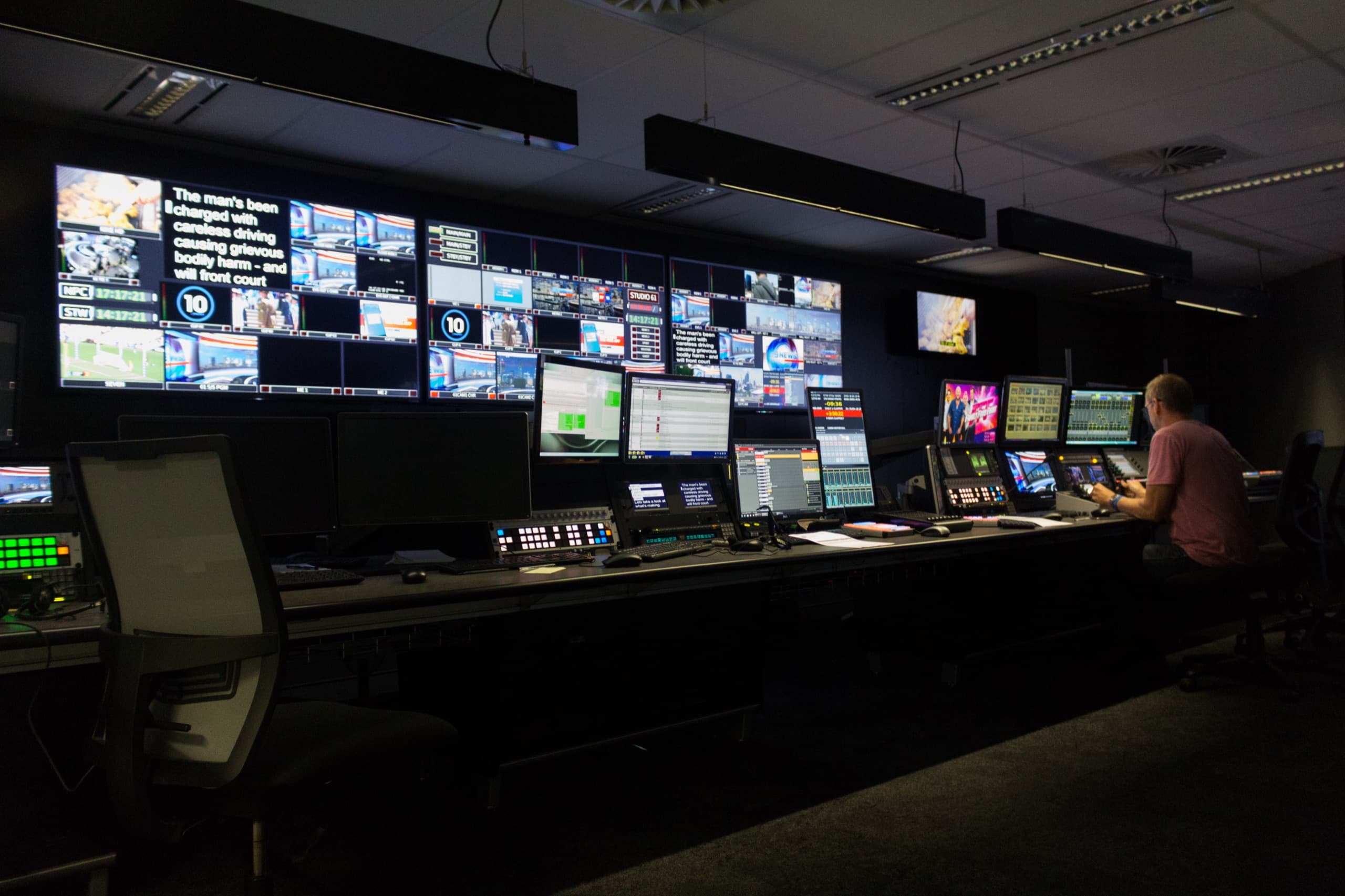
Platform · Command centre
The campaign head’s view of everything that is live.
Switch tabs, take a camera to programme, change a language’s state, approve a clip or resolve an incident — the top dashboard updates with you.
Programme feed
CAM 1
On air · +30 s
Channels
3/5
regions nominal
Output languages
6
of 9 on air
Venues
25
5 regions
Open incidents
1
needs attention
Pending approvals
4
awaiting editors
Concurrent viewers · all outputs
Programme
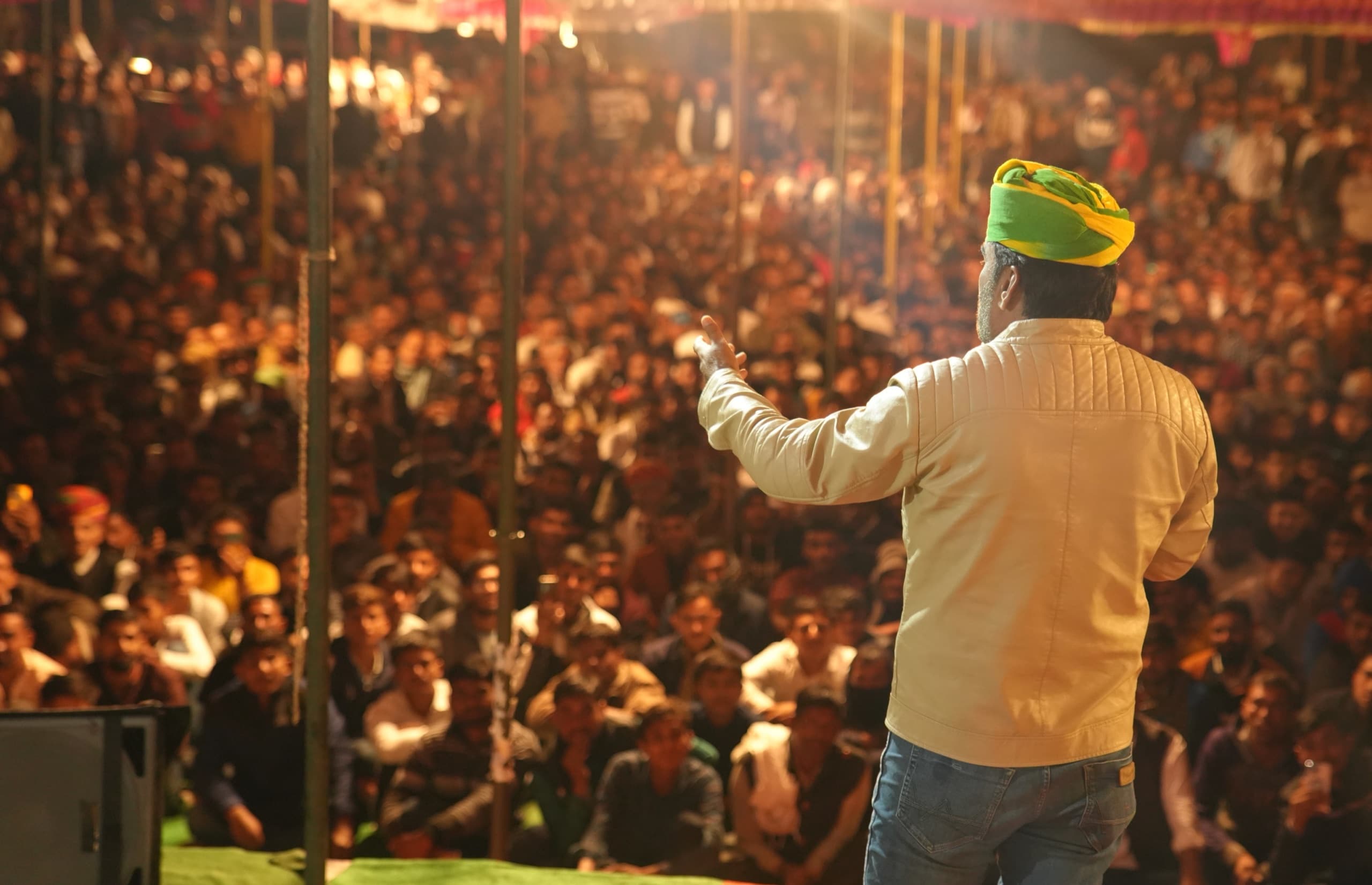 CAM 1 · Stage widePGM
Monitoring Tamil output · delay 30 s
Venue distribution
- North Zone6 venues · Nominal
- East Zone4 venues · Nominal
- West Zone5 venues · Degraded
- South Zone7 venues · Nominal
- Central Zone3 venues · Standby
Open incidents
- Stream endpoint 3 authentication failure; held at standby
Operator activity
- 16:49:52Telugu output moved to review by language operator
- 16:49:31Programme delay set to 30 s
- 16:48:10CAM 1 · Stage wide taken to programme
Demonstration functionality
Every panel here runs on seeded local data in your browser. It shows how the product behaves, not live results.
Connected deployments
In a deployment, panels are wired to your venues, feeds and approved sources only after explicit configuration and authorisation.
Access & roles
Production consoles sit behind single sign-on with role-based permissions and full audit logs.
Prefer a full-screen view? Open the command centre demo.
See it with your venues and your languages.
A 20-minute walkthrough of the command centre configured for a typical multi-venue rally day.